Options: Behaviour
note
This only applies to legacy themes. To learn more about our new, modern theme designer, head over to Using the theme editor.
| Name | Purpose |
|---|---|
| Transitions | 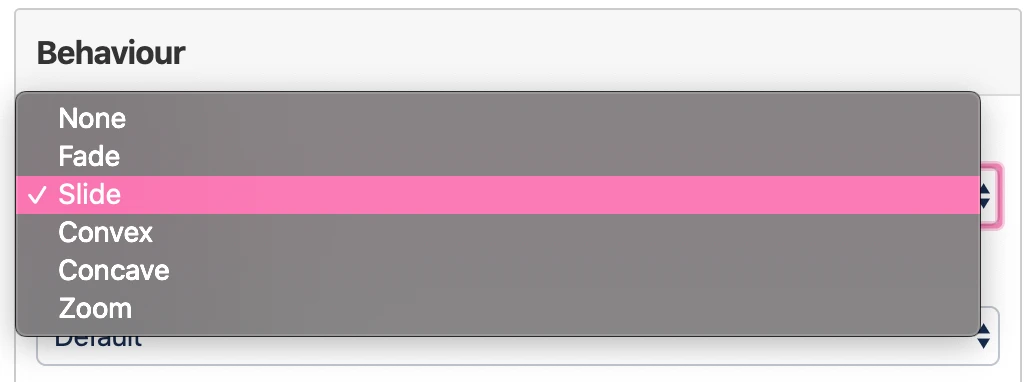 You can choose between different styles of next slide animations: - None → No animation - Fade → The content of the slide fades over to the next one - Slide → The content of the slide is pushed out by the next one - Convex → The content rotates in a convex animation to the next slide - Concave → The content rotates in a concave animation to the next slide - Zoom → Zooming to the next slide |
| Transition speed | Controls the speed in which the Transition animation is played. |
| Loop the presentation | Restarts the presentation when you reach the end. |