
The first release of 2026 brings the biggest changes for Slide Presenter since its inception: We’ve re-imagined how themes are created and at the same time rewrote the whole presentation layouting algorithm.
Introducing the new theme editor
From now on, creating themes is a friendly experience that feels like presentation software you already know!
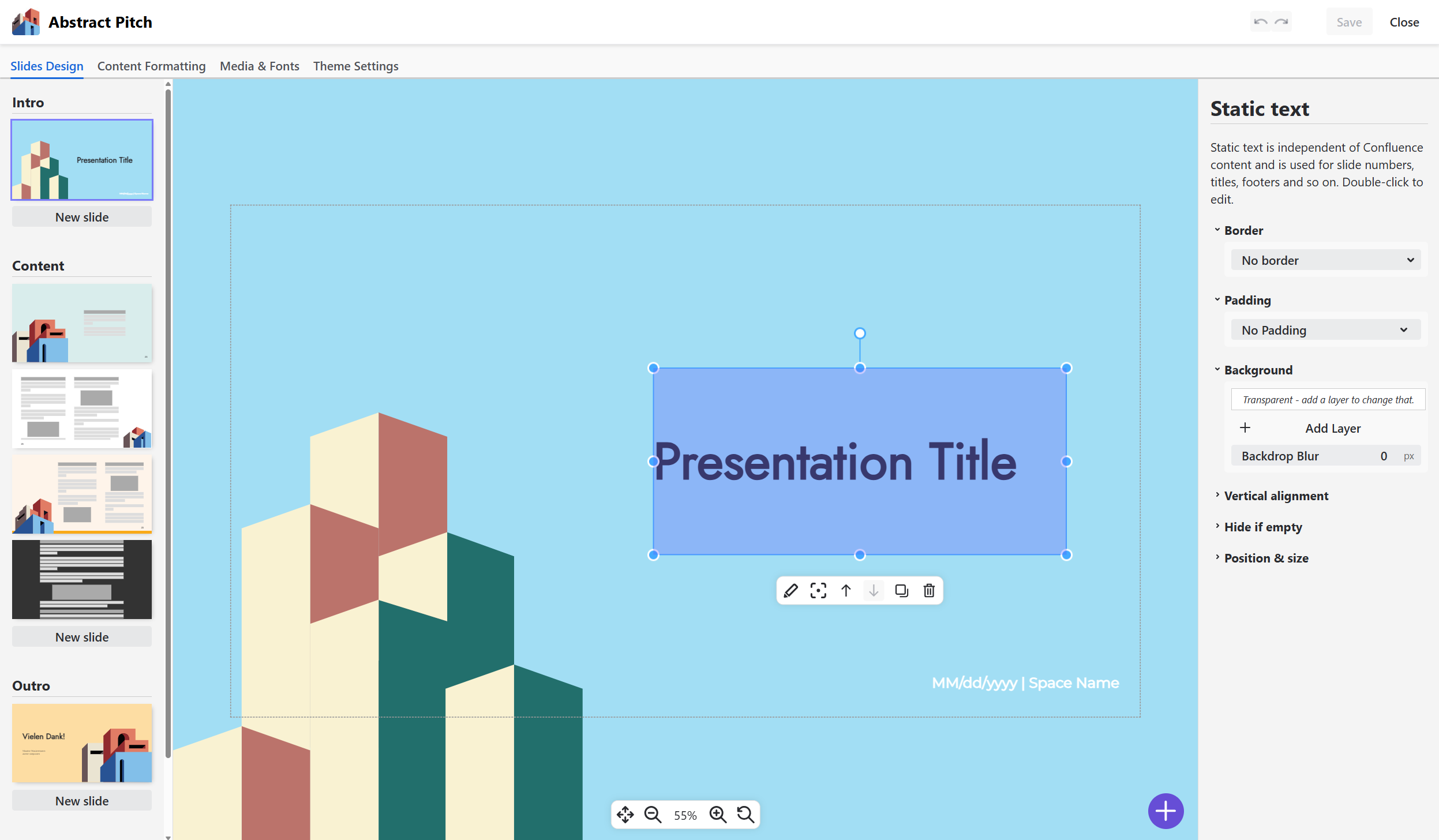
Get a first impression in this video:
Existing themes continue to work, but you should migrate
Your existing - now called “legacy” - themes continue to work. The old layouting engine stays in place as well and renders presentations for legacy themes. We’ll keep support for legacy themes at least until summer 2027.
However, we encourage you to migrate your legacy themes to a modern theme to enjoy the new features in presentations!
New presentation features
We’ve improved so much it’s hard to list it all, so we’ll go with a list:
-
Real PDF Export: no more print dialogs, download a pixel-perfect PDF file of your presentation!
-
Links inside the presentation: clicking links to other pages or anchors included in the presentation brings you there directly - even in the exported PDFs!
-
Compatibility with almost all built-in Confluence macros: We’ve added hundreds of edge case treatments that style Confluence macros and features so your presentation looks like you would expect it.
We feel like this release is a real game changer for Slide Presenter - give it a try and tell us what you think!
What’s next?
Soon we’ll release the modern theme editor and rendering engine for Data Center. Then, we focus completely on moving Slide Presenter to Forge.
Happy presenting - and for the first time ever: HAPPY THEMING 😉 🥂