
Shapes are basic building blocks for your slide layouts. Use them to create areas with certain colors, header or footer areas and much more.
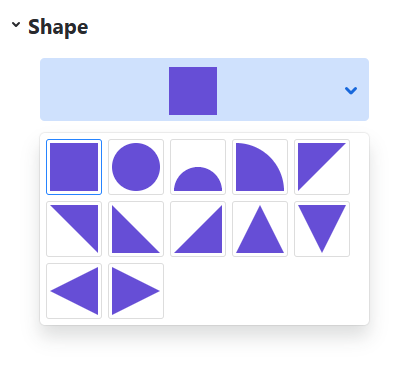
After you’ve added a shape, you can choose from a variation of shape primitives:
The “Fill” attribute works just like all backgrounds - use it to fill the shape with colors, gradients, images, transparency and blur.